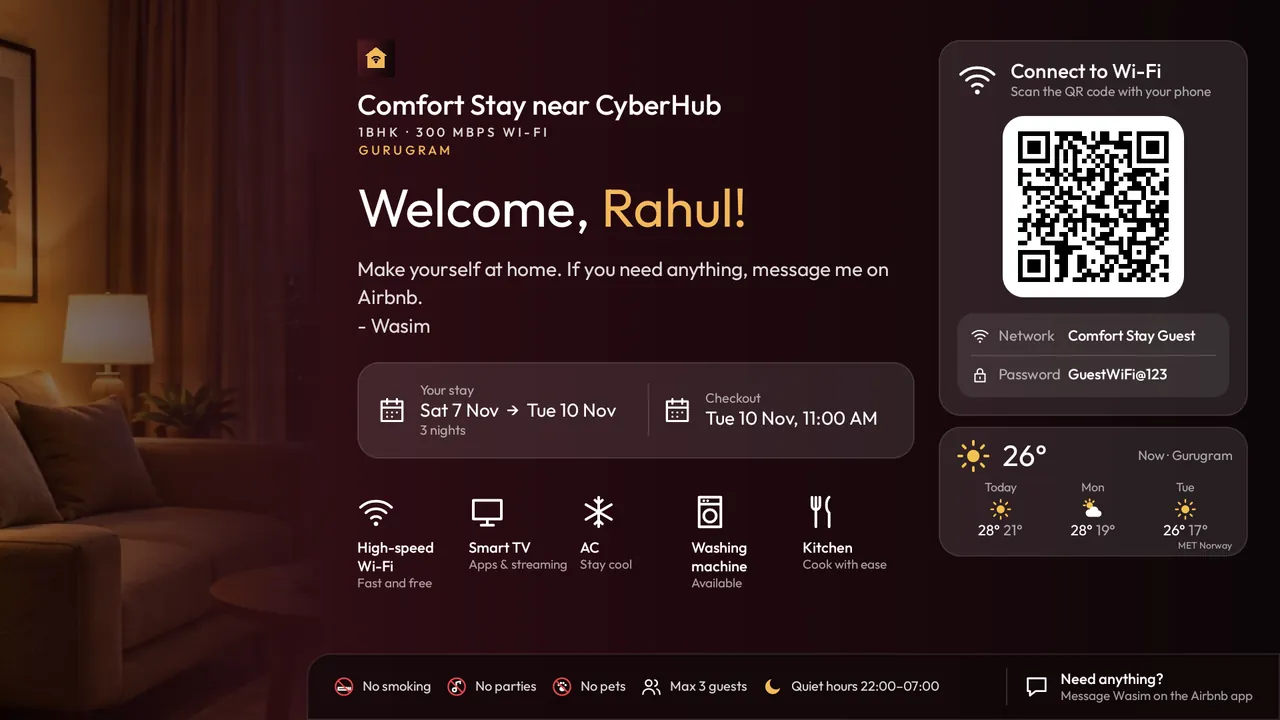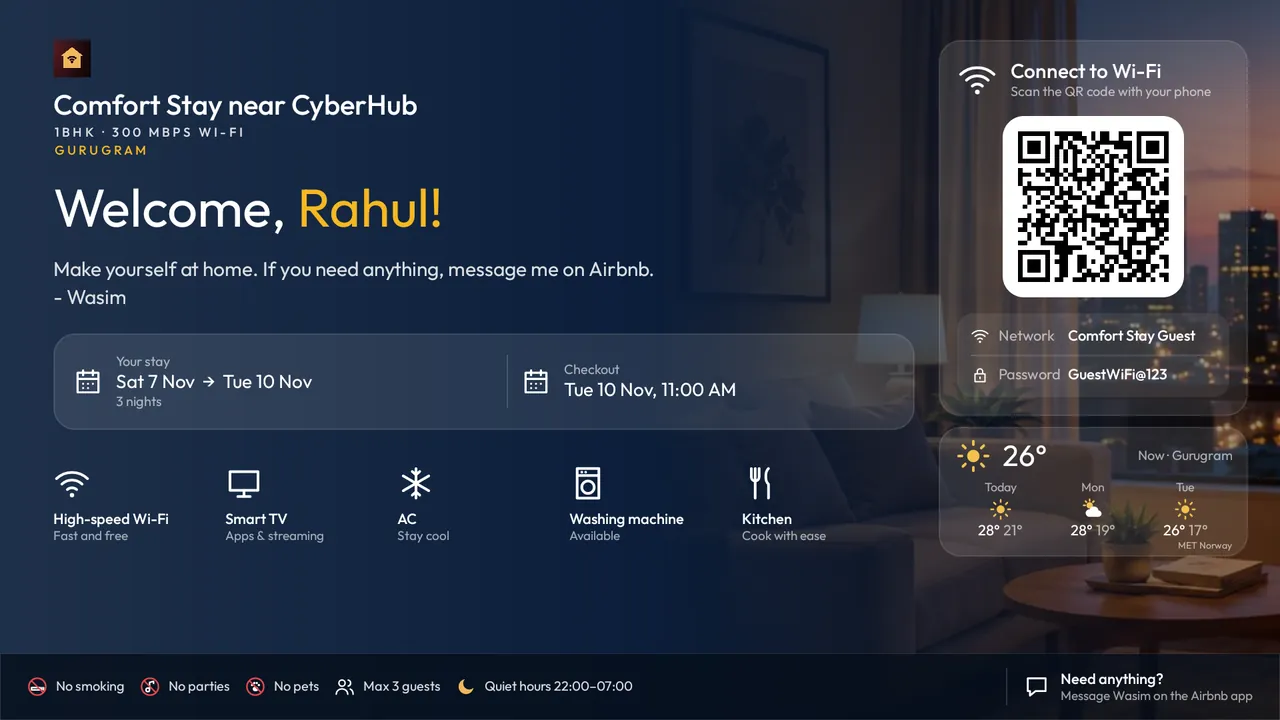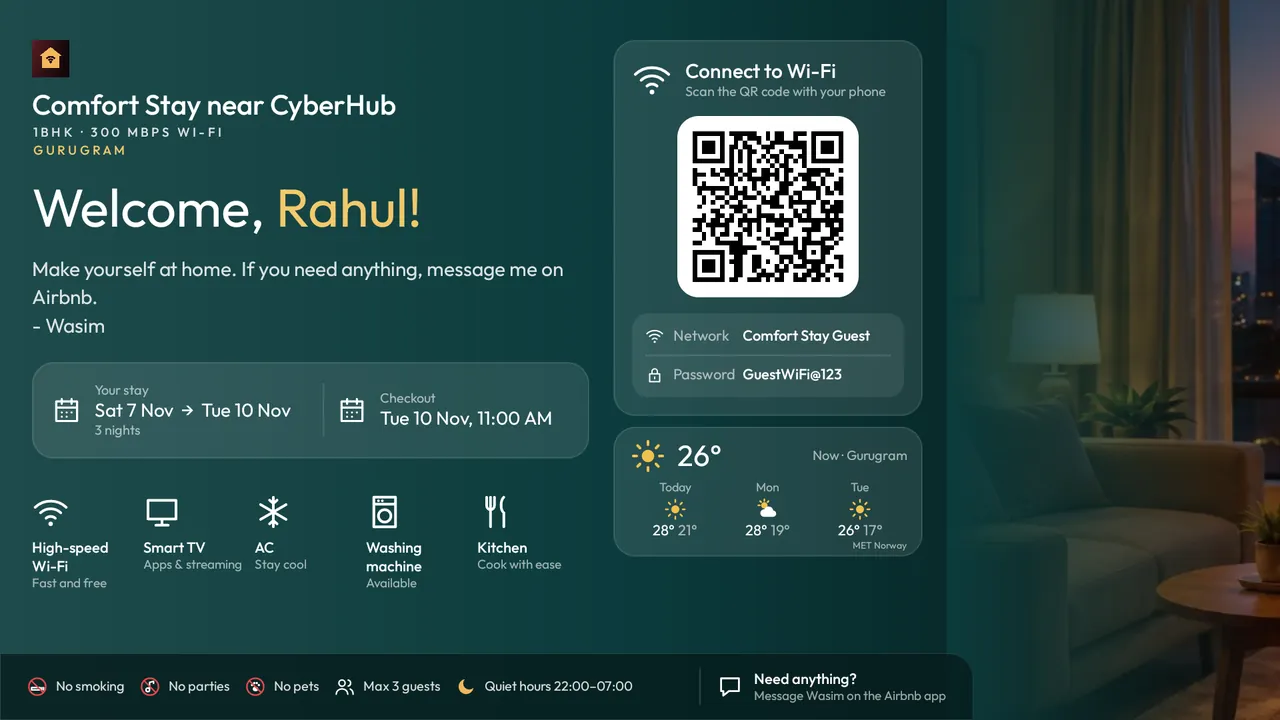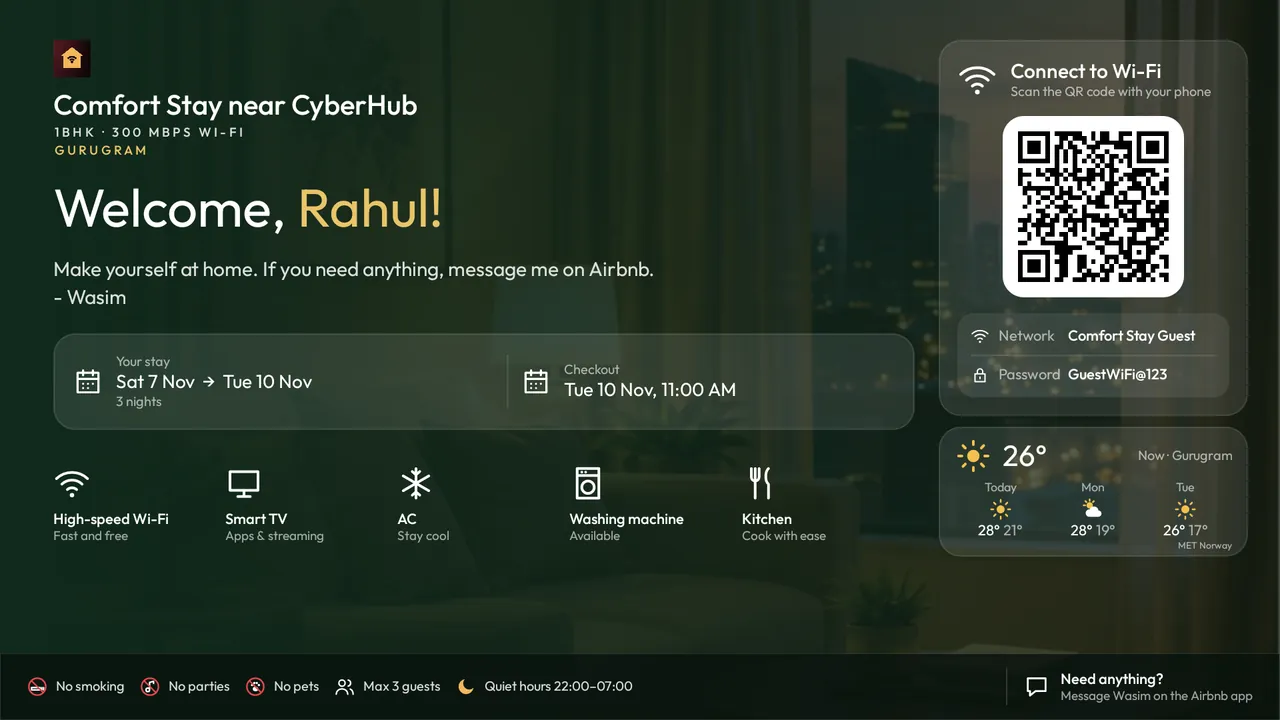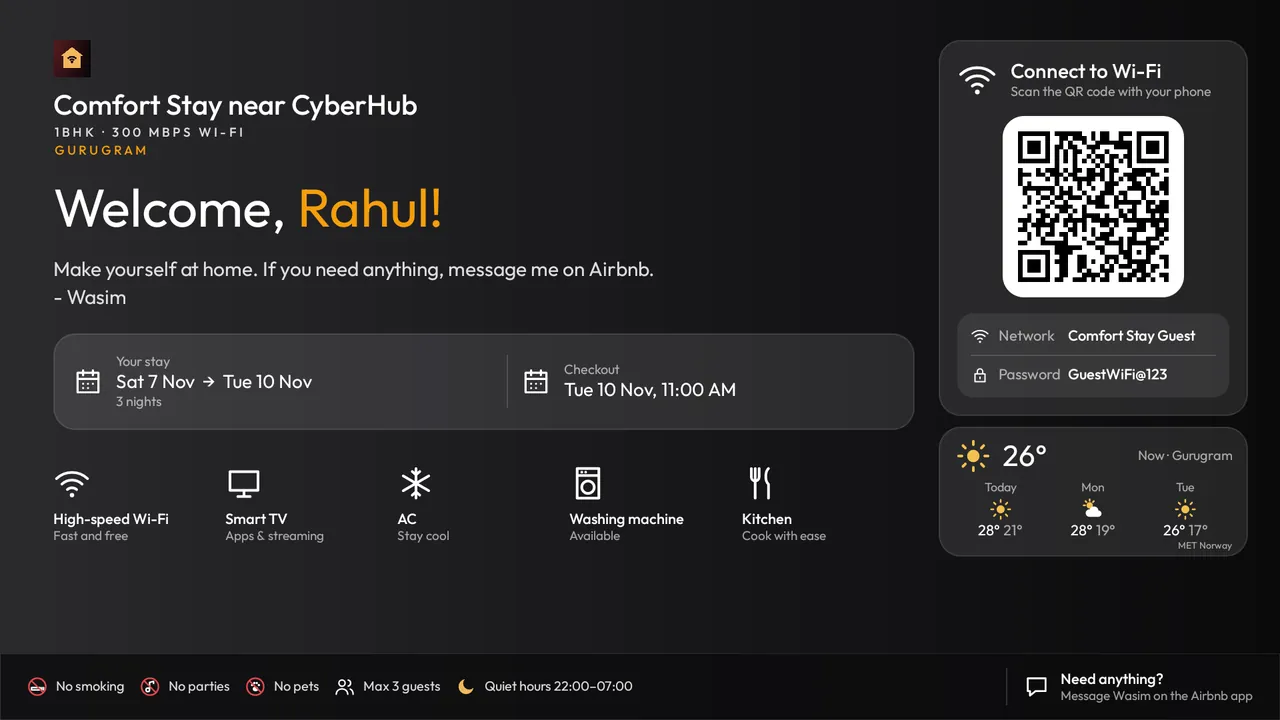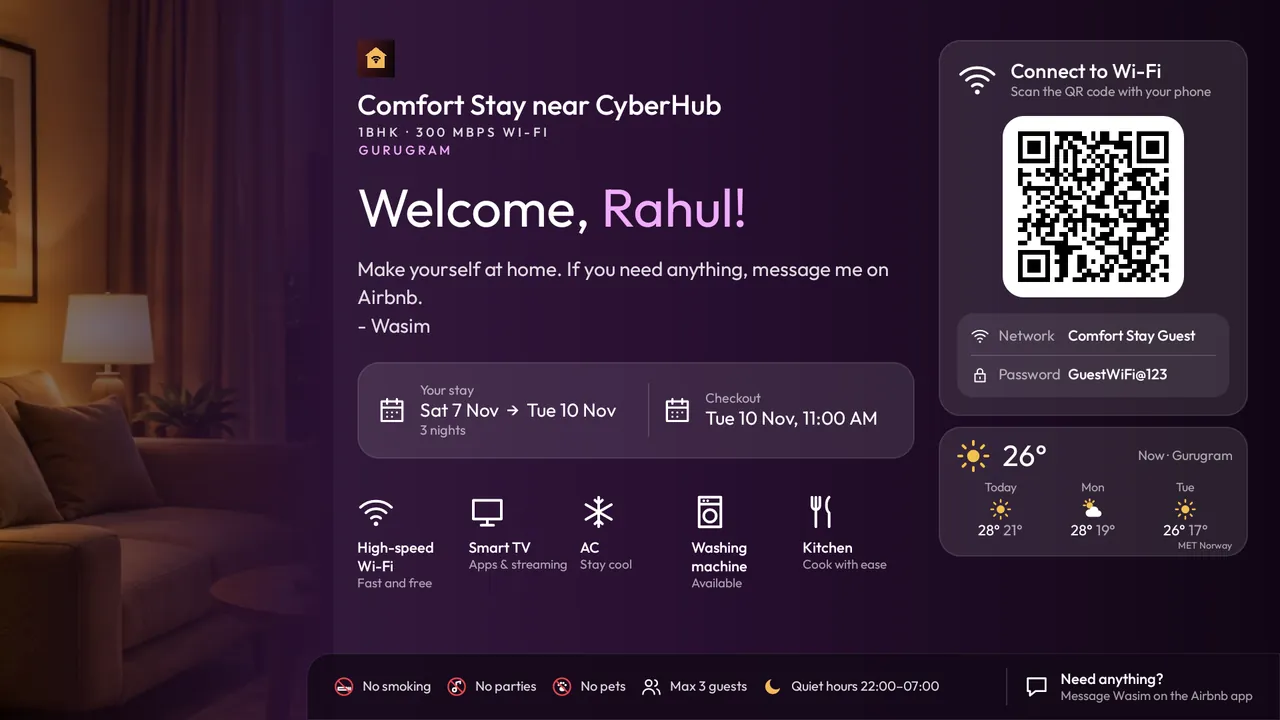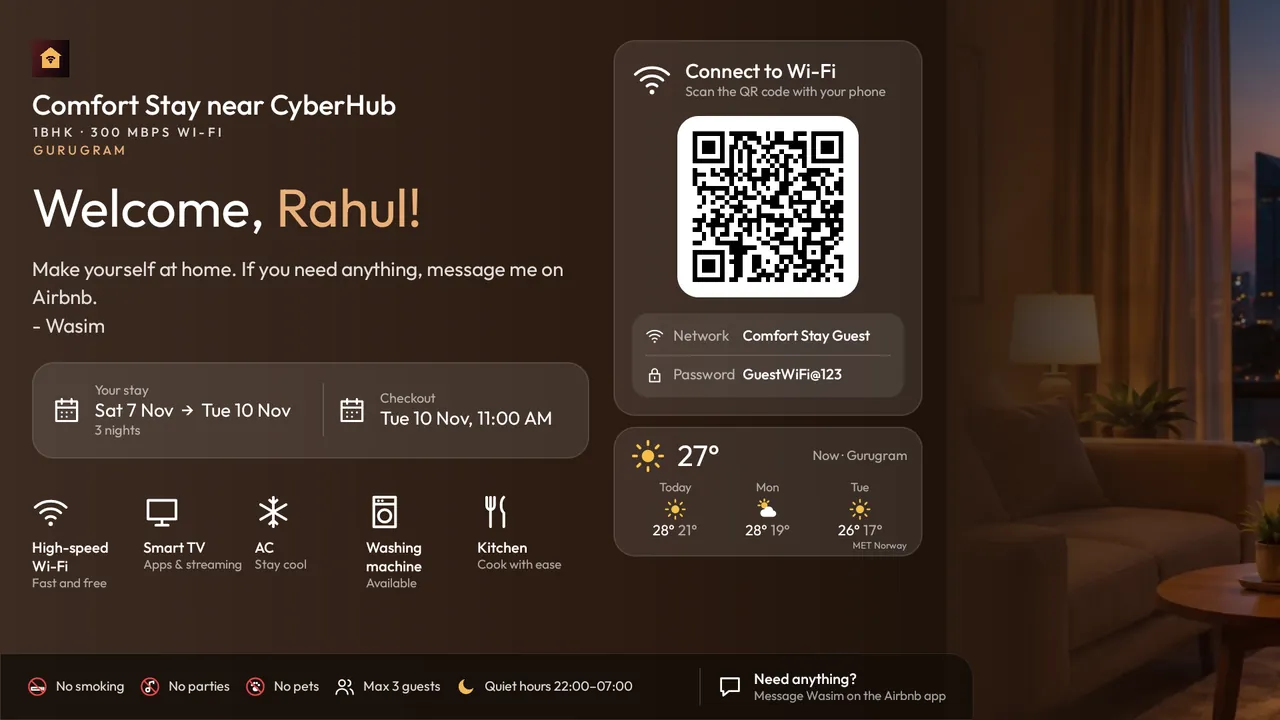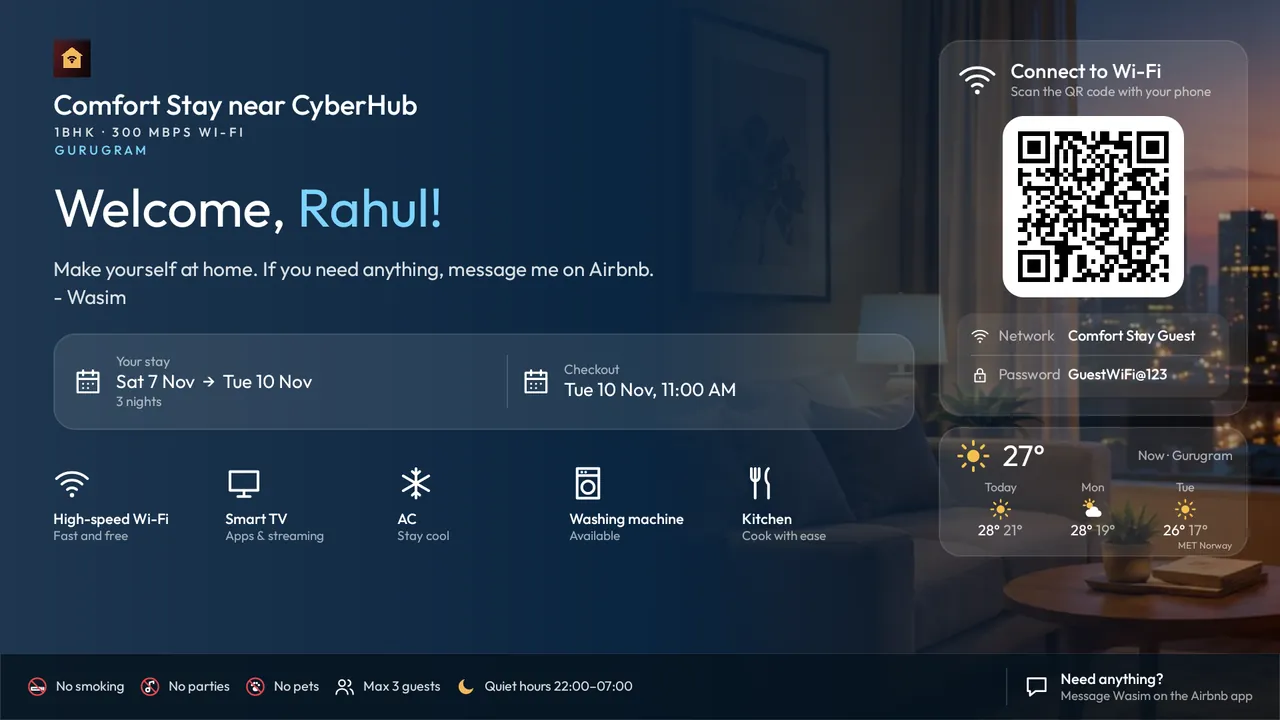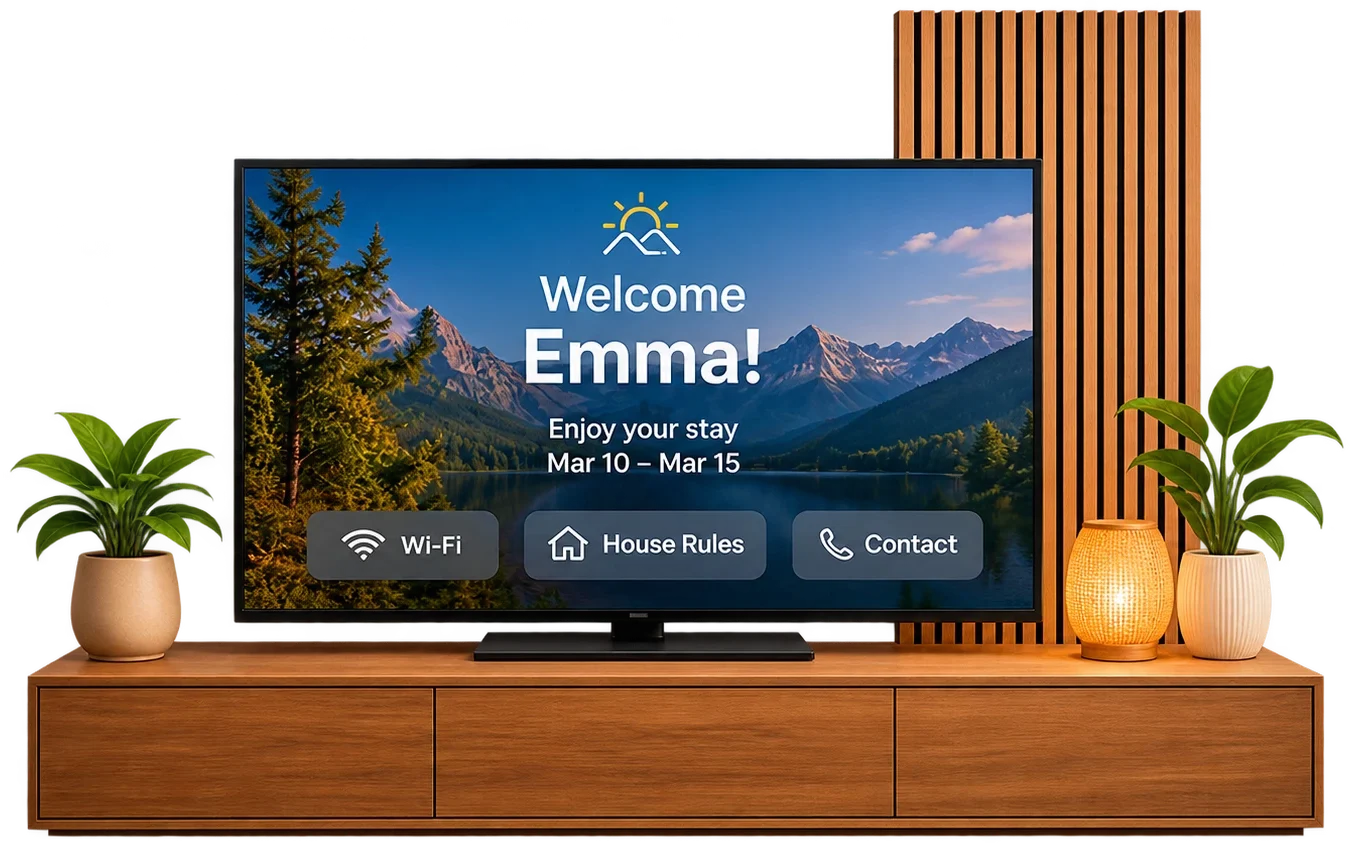
Greet guests by name, share Wi-Fi in one scan, and show house rules and check-out steps, all from one simple dashboard.

Manage your properties, bookings and guest welcome screens.
Welcome TV answers them before they’re asked, on the biggest screen in the room. Guests settle in faster, your phone stays quiet, and the warm welcome shows up in your reviews.
“Welcome, Priya!” on the big screen the moment they walk in, with their dates and check-out time.
A QR code joins their phone to your Wi-Fi. No more spelling out passwords on WhatsApp at midnight.
On the last day the screen switches to your check-out steps: AC off, keys on the table, door closed.
Bookings from Airbnb and Booking.com appear by themselves. Cancellations disappear by themselves.
Add direct and offline bookings, change the Wi-Fi or house rules. The TV updates in seconds.
Your guide stays up for 30 minutes and closes at a button press. Then the TV’s own screensaver and sleep timer take over, so nothing sits on the screen all day.
Put your stay’s or brand’s logo next to the property name or above the Wi-Fi code, in the size you like.
Today’s weather and a three-day forecast for your area, under the Wi-Fi code, so guests plan their day. Weather: MET Norway.
Eight ready-made colour sets or your own, and five layouts, from a photo strip to full-screen photo.
A photo of your place for each screen: during the stay, on check-out day and between guests.
Living room, bedroom, lobby: name each TV, see when it was last on, and move it to another property in a tap.
Bookings arrive by themselves through calendar sync, checked every 30 minutes. Cancellations disappear by themselves.
Paste the listing’s calendar link once. Live today.
Through each listing’s iCal calendar link. Live today.
Guest names and bookings straight from your PMS’s API, without calendar links. Tell us which one you use and we’ll build it next.
Ask for your PMSManaging several homes, a building or a small hotel? Welcome TV runs them all from one account.
Pair as many TVs as you need, name them (“Room 2”, “Villa A lounge”) and move one to another property in a click. The TV Devices page shows which are on, and which still need a setting.
Each listing’s calendar link from Airbnb, Booking.com, Vrbo or your channel manager, checked every 30 minutes.
A lower price per TV for five TVs or more. One payment covers every TV.
Tell us about your portfolio and we’ll help you set up the first TVs.
Beside the TV with your phone? Follow the step-by-step TV setup guide.
Get the Welcome TV app on the TV (below) and follow our short guide, or on Pro we do it with you on a video call. Nothing technical on your side.
The TV shows a six-letter code. Type it in your dashboard, or scan the QR code on screen.
Allow it once with the remote, and Welcome comes up every time the TV is switched on. No buttons for guests to find.
Your bookings flow in from Airbnb. Every guest is greeted, connected and guided, stay after stay.
Maroon & gold · Classic layout

From installing the app on the TV to the first guest greeted by name.
Leave your email and we’ll send you the setup steps straight away. Most hosts are set up in about ten minutes, and the Free plan costs nothing. Or .
Any Android TV or Google TV: Sony, TCL, iFFALCON, OnePlus, Xiaomi, Philips, Hisense and more. Samsung and LG smart TVs run their own system: plug in any Google TV or Android TV streaming stick and Welcome TV runs on that.
No. The welcome screen is on the TV and the Wi-Fi joins with their phone camera. Guests just switch the TV on.
From the bookings in your dashboard: type a name once and it appears on the TV. Airbnb’s calendar shares dates but not names, so automatic names from your Airbnb booking emails are coming next.
Change it in the dashboard on your phone. The TV shows the new version within seconds, wherever you are.
No. It keeps the screen on for 30 minutes after it opens, then hands back to the TV: its own screensaver and sleep timer take over, as with any app. On Android TV you can also pick Welcome as the screensaver (Settings › Device Preferences › Screen saver); it moves around so nothing burns in. Google TV and Chromecast only offer Google’s own screensaver (Ambient mode), so there the TV’s screensaver takes over.
The TV keeps showing the last details it received, and catches up by itself when the connection is back.
Only a first name and the dates of each stay, and those are deleted 30 days after check-out. Nothing is shared or sold.